

Computer Monitoring Software Functions Applications and Choices
Employee monitoring software tracks activity, screenshots, keystrokes, and application usage—used by an estimated 60% of employers with remote workers. Tools like Hubstaff, Teramind, ActivTrak, and Time Doctor range from $5–20 per user monthly. Use cases include time tracking for billing, productivity insights, security compliance, and policy enforcement. However, research shows monitored employees report higher stress and lower satisfaction; over-monitoring can backfire. Legal requirements vary: some U.S. states mandate disclosure to employees; the EU's GDPR requires lawful basis and transparency. This guide covers features, use cases, privacy considerations, and how to implement monitoring responsibly. The right approach balances accountability with trust. Monitoring should serve legitimate business purposes—billing accuracy, security, compliance—not micromanagement. Transparent policies and proportionate use help maintain employee morale while achieving business goals.
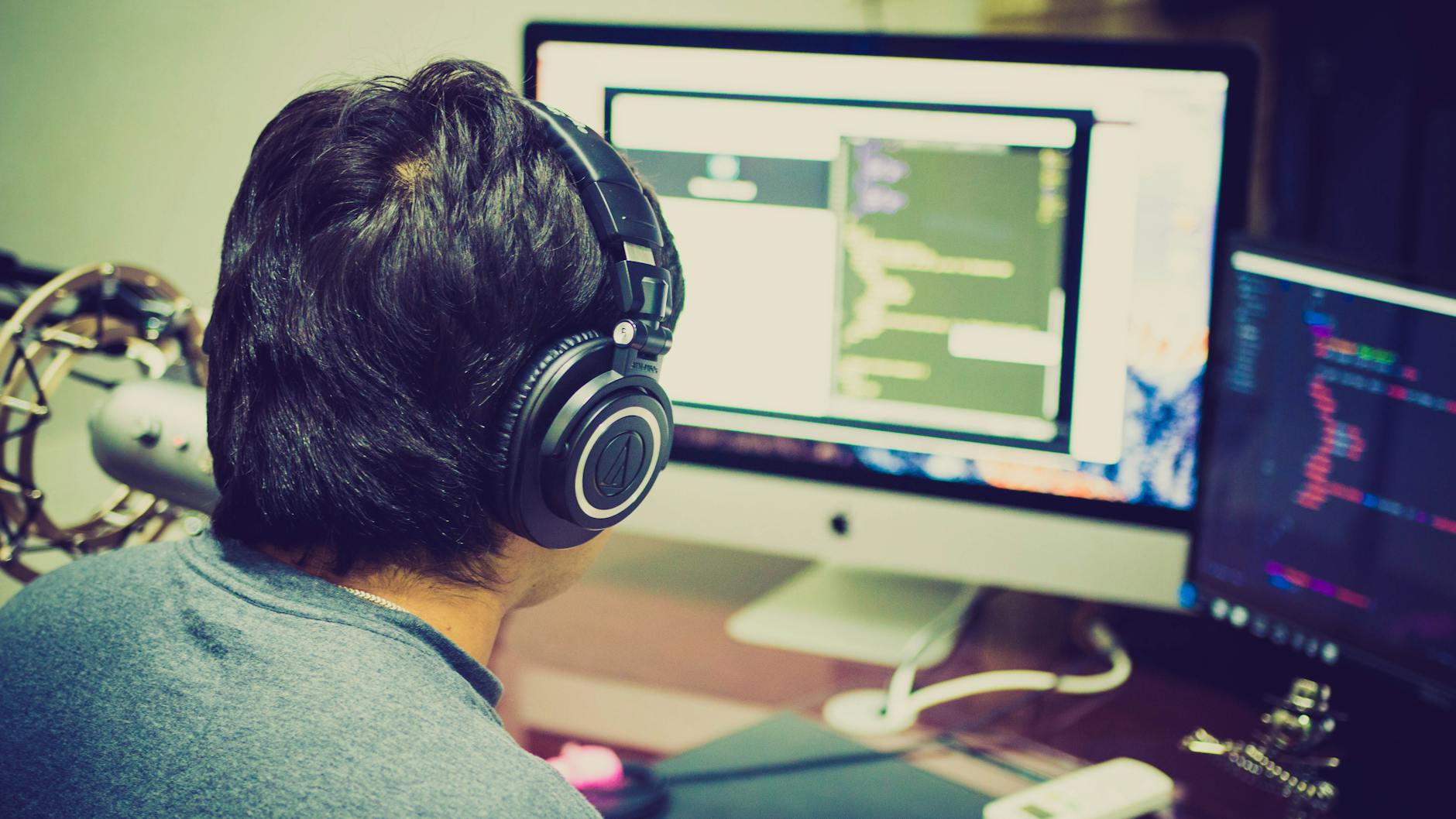
Features and Use Cases
Time tracking logs hours per project or client for billing and payroll. Screen monitoring captures idle vs. active time; some tools use keyword and URL tracking. Application and website blocking enforce acceptable use policies. Data loss prevention (DLP) flags sensitive content (e.g., credit card numbers) in transit. Keystroke logging raises privacy concerns and may be illegal in some jurisdictions. Choose based on need: productivity insights require different features than security compliance. Remote work has increased monitoring adoption; the goal should be accountability without surveillance that undermines trust.
Productivity vs. Security Focus
Productivity tools (Hubstaff, Time Doctor) emphasize time tracking and project allocation; they're common in agencies and remote teams. Security-focused tools (Teramind, Veriato) emphasize DLP, insider threat detection, and compliance; they're common in finance and healthcare. Some platforms offer both. Overlap exists, but use case should drive selection. Productivity monitoring can improve estimates and identify bottlenecks; it can also create pressure and gaming (e.g., mouse jigglers). Balance oversight with autonomy.
Privacy and Implementation
Disclose monitoring in employee handbooks, employment agreements, and onboarding materials. Obtain consent where required by law. Limit monitoring to work hours and work devices; avoid capturing personal communications. Avoid monitoring in break rooms, restrooms, or other private spaces. Provide a clear policy on what is monitored, why, and how data is used. Train managers on appropriate use—monitoring should not be used for micromanagement or retaliation. Balance oversight with trust; over-monitoring correlates with turnover and disengagement. Consult legal counsel for jurisdiction-specific requirements.
Choosing a Provider
Evaluate based on features, pricing, integration (Slack, Jira, payroll), and compliance (SOC 2, GDPR). Consider deployment: cloud vs. on-premise. Test with a pilot group before org-wide rollout. Ensure the vendor has clear data handling and retention policies. Employee monitoring is a sensitive topic; transparent communication and proportionate use are essential for acceptance.
Popular Tools Compared
Hubstaff: $7–20/user/month, time tracking, screenshots, optional GPS. Suits agencies and remote teams. ActivTrak: $10–20/user/month, productivity analytics, optional screenshots. Free tier for small teams. Teramind: $10–25/user/month, DLP, insider threat detection. Suits finance and healthcare. Time Doctor: $7–20/user/month, time tracking, optional screenshots. Integrates with project management. Veriato: enterprise-focused, user behavior analytics. Request demos and pilot before committing. Consider compliance requirements: HIPAA, SOC 2, and GDPR affect vendor choice.
Best Practices for Rollout
Announce monitoring before implementation; surprise surveillance breeds distrust. Explain the business purpose—productivity, security, or compliance—and how data will be used. Provide a grace period for questions. Train managers on appropriate use; avoid using monitoring for micromanagement. Review policies annually; adjust based on feedback and legal changes. When implemented thoughtfully, monitoring can support accountability without undermining trust. The goal is to gather useful insights—whether for billing accuracy, security compliance, or process improvement—without creating a culture of surveillance that erodes morale and productivity.
Exploring Computer Monitoring: Summary
Computer monitoring software serves legitimate business needs: time tracking for billing, productivity insights, and security compliance. The key is choosing the right tool for your use case, implementing transparently, and balancing oversight with trust. Features range from simple time logging to keystroke capture and DLP—select what you need, nothing more. Legal requirements vary by jurisdiction; disclose monitoring and obtain consent where required. Exploring computer monitoring software, its functions, applications, and choices helps employers make informed decisions that support business goals without undermining the workforce. The right approach respects both accountability and employee dignity.
Exploring Monitoring: Final Thoughts
Exploring computer monitoring software, its functions, applications, and choices helps employers balance oversight with trust. Choose tools that match your needs—productivity, security, or compliance. Implement transparently with clear policies. Exploring computer monitoring software requires understanding both technical capabilities and human impact. The right choice supports business goals without undermining morale. Exploring computer monitoring software requires weighing business needs against employee privacy and trust. Implement with transparency and use data responsibly to maintain workforce trust and productivity. Exploring computer monitoring software, its functions, applications, and choices helps employers make informed decisions. The right tool balances business needs with employee privacy. Exploring computer monitoring software helps employers choose the right solution for their specific use case. Screen recording and keystroke logging require careful policy disclosure to employees.